

How to create a calculation app from your spreadsheet
Help boost productivity across your organization — with your spreadsheet data.
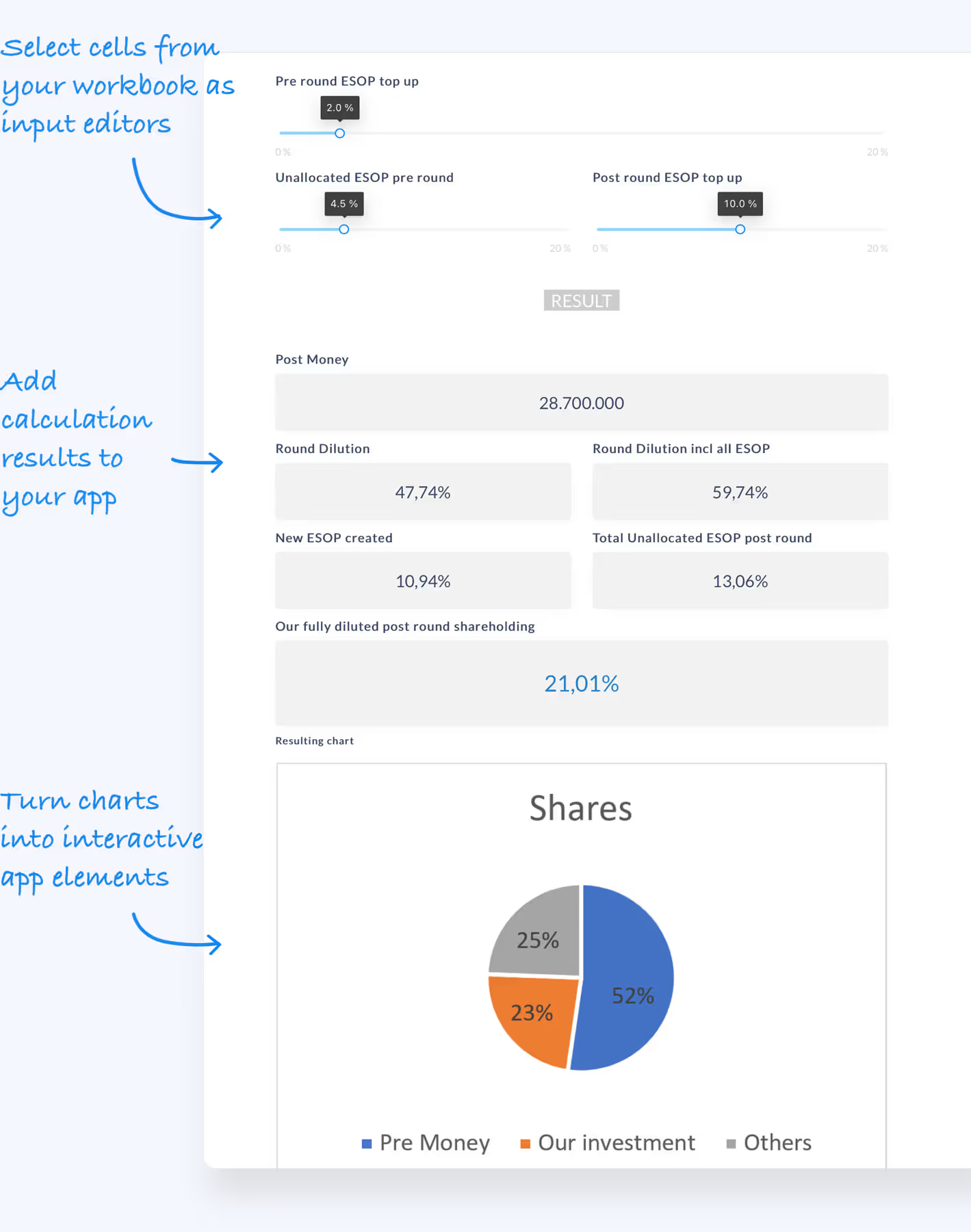
Turn your Excel into an app

Turn Excel data into powerful tools
Transform your existing spreadsheets into interactive calculation apps that anyone can use.

Share by link, email, or embed
Sync your data with multi-users and channels and rely on a single source of truth.

Keep and manage calculation results
Save scenarios like bids, proposals or forecasts for future use.
From Excel to app in 5 steps — wrap up
Get the wrap up from your click demo. Define your calculation app with the Airrange drag & drop app builder.
Design your app by adding elements from the toolbox
Open your Excel workbook in Airrange and start designing your app by dragging elements from the toolbox onto the canvas.
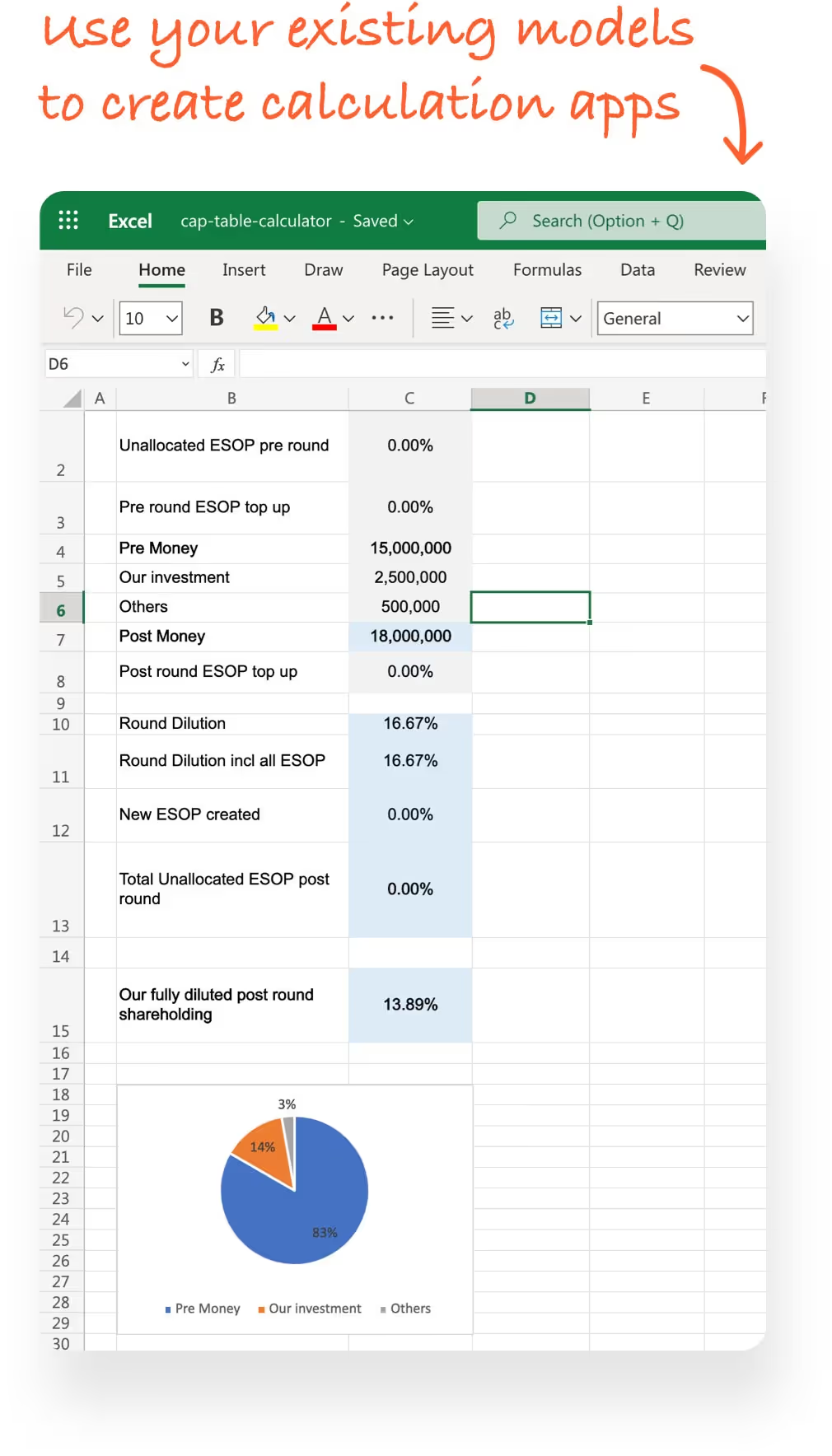
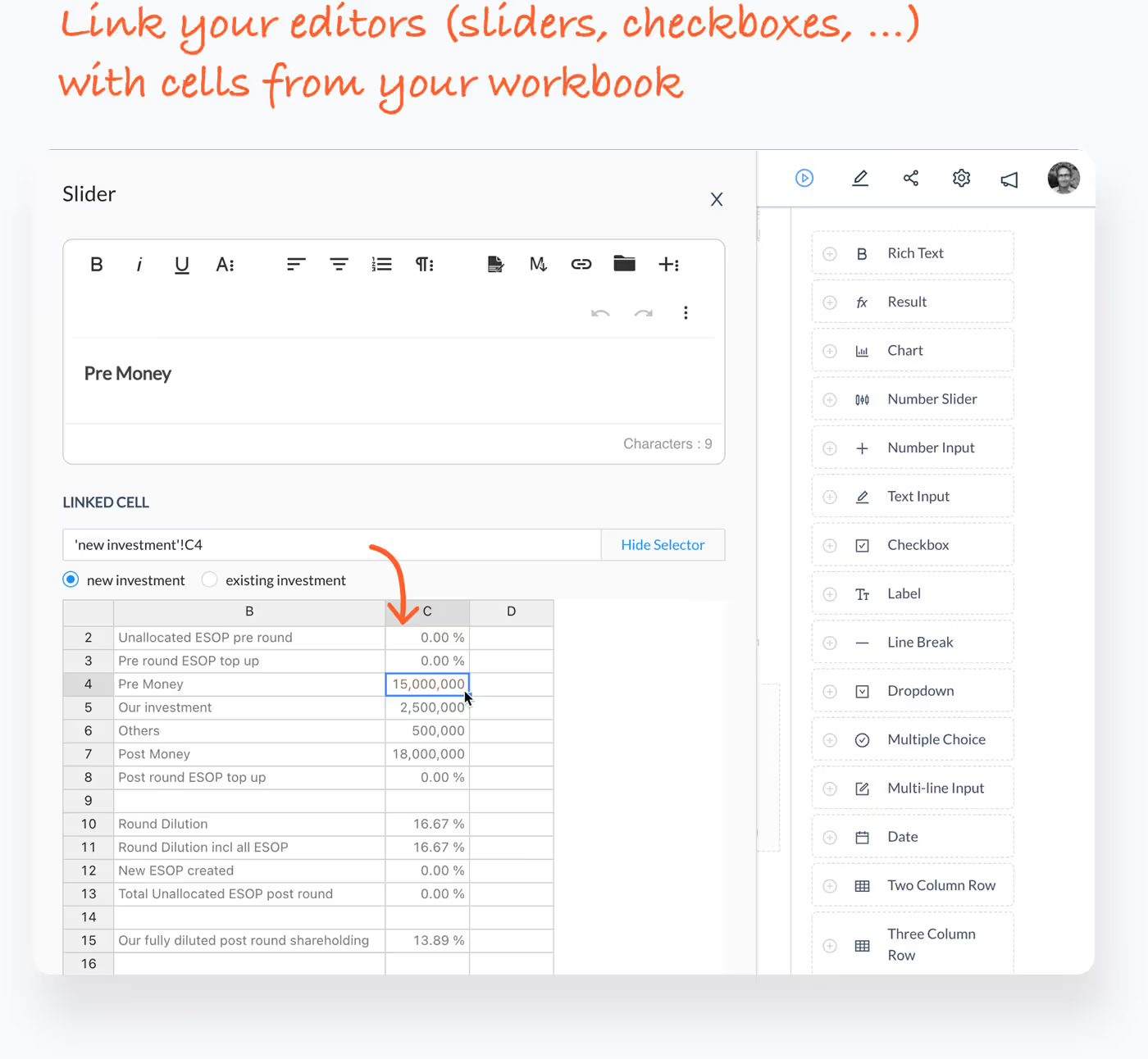
Link Excel cells to your input & output elements
Connect your app elements to specific cells in your Excel file. Input fields write to cells, and output elements read calculated results.
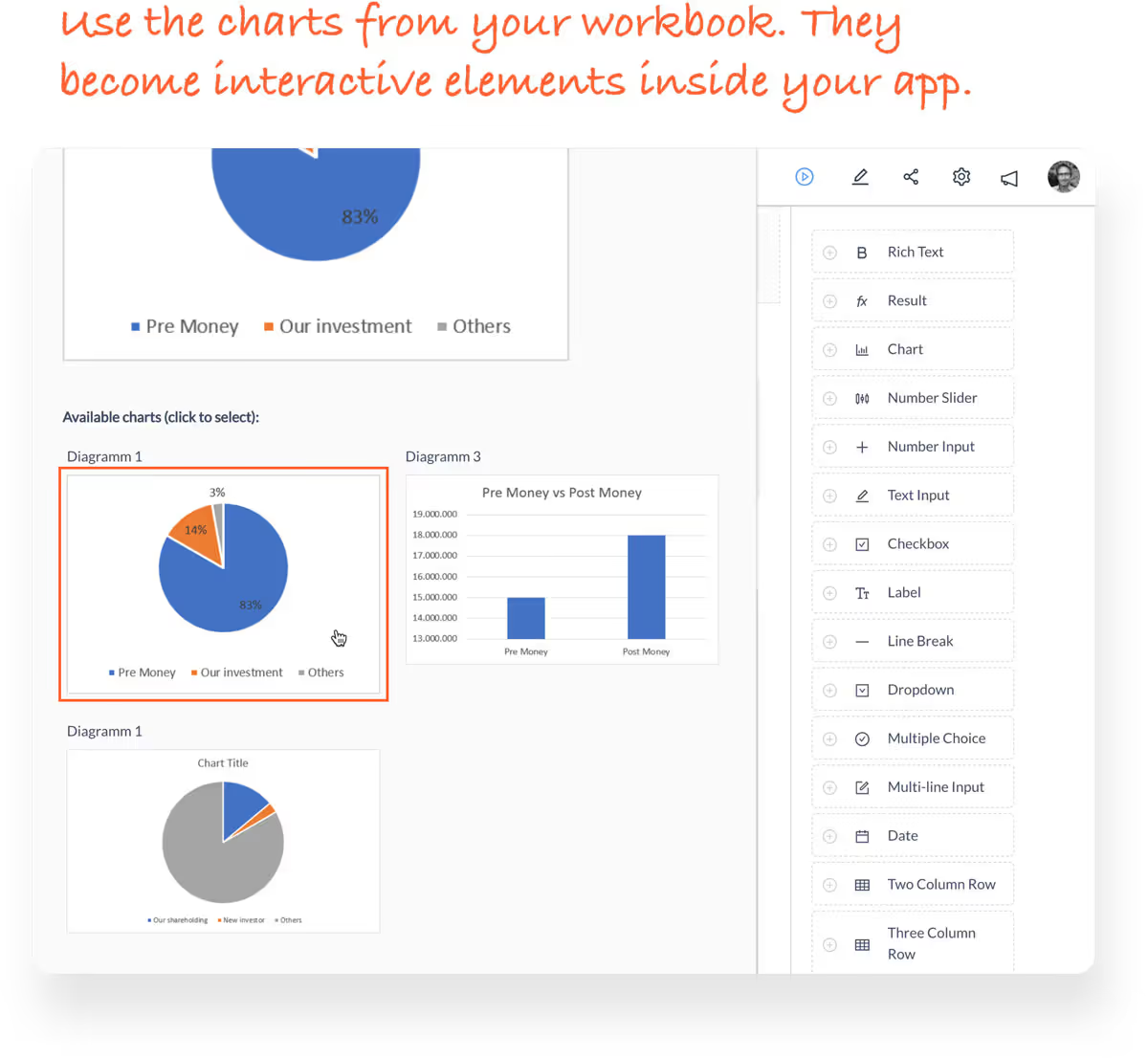
Add your charts with one click
Enhance your app with charts that visualize your Excel data. Charts update automatically when inputs change.
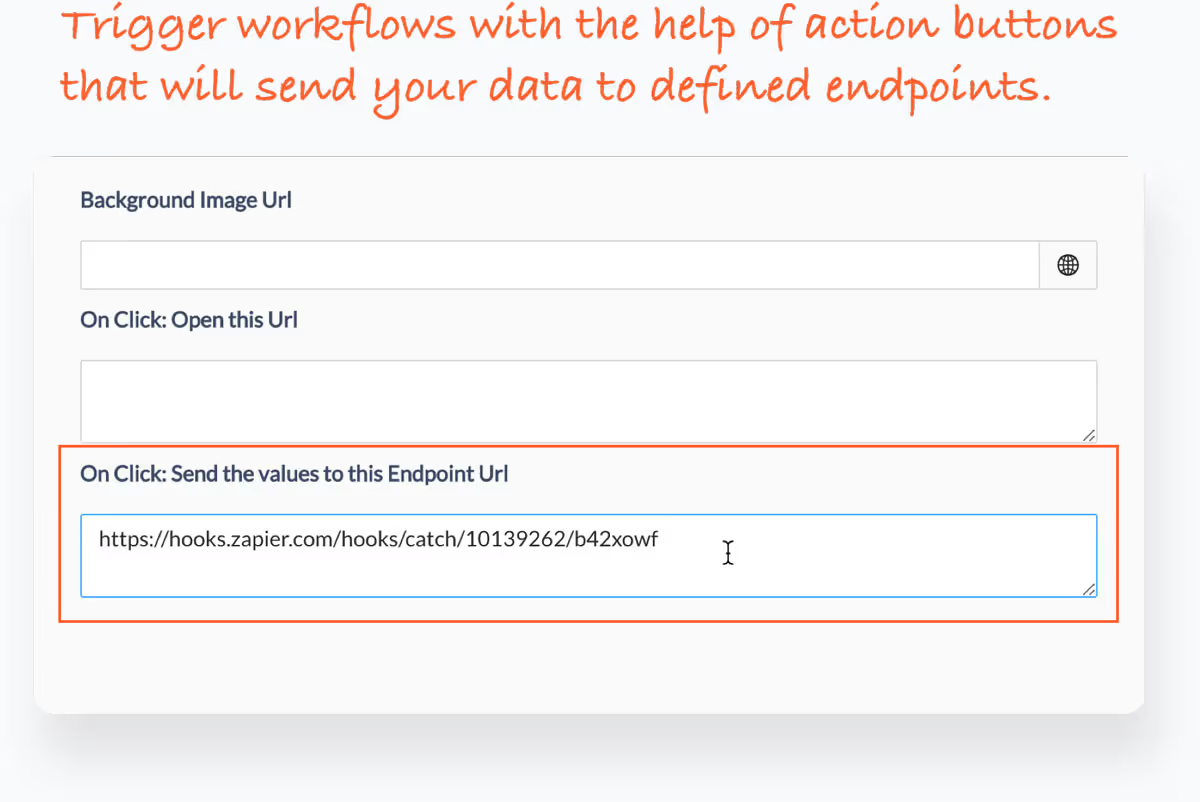
Connect backend systems and workflows
Use endpoint links from Zapier or PowerAutomate to connect your app to CRM, ERP or other business systems.
Spice up your calculation app and save it
Customize your app with rich text descriptions, your company logo, and branded colors. Then publish and share.
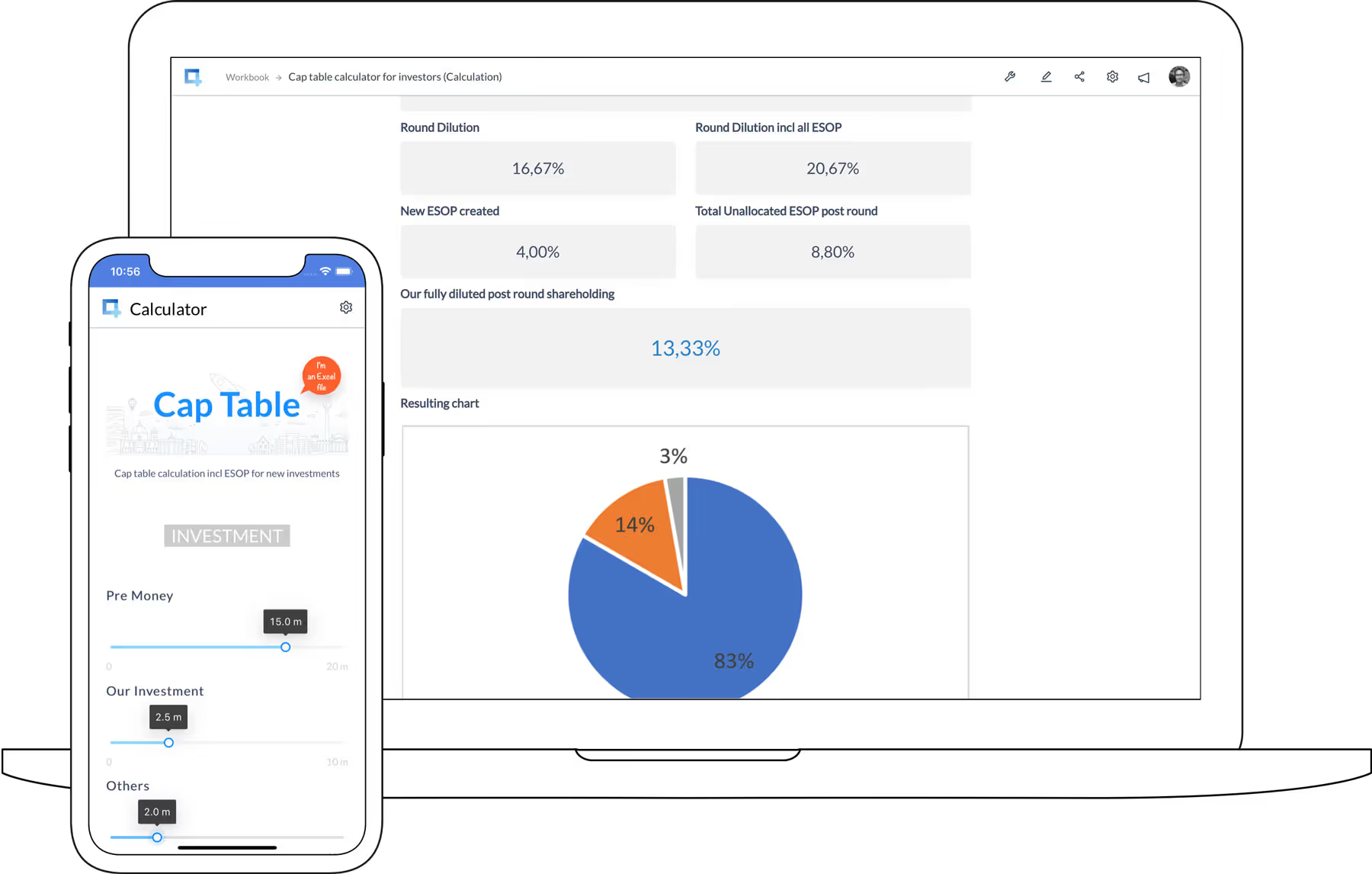
Calculation apps. Easy to use, easy to build. Here's the proof.
Follow the click demo below and get the basics of app creation with Airrange in less than 2 minutes.
Run this example appGet inspiration for calculation apps. Try these Excel app templates
Open one of these spreadsheet templates in Airrange and start building your first calculation app.
Open Excel templates