

Get better leads.
Turn your spreadsheet into a smart, interactive website calculator. Visitors explore prices, savings, and ROI — and leave a verified email address to receive their results. No coding required.


From spreadsheet to lead machine in four steps

Build the calculator in Excel
ROI models, pricing estimates, savings projections. Every formula works.

Design the interface
Pick input and result cells, arrange them with drag & drop, add your branding.

Embed it on your website
Paste an iframe code into any page. Fully responsive, loads fast.

Capture verified leads
Visitors email themselves the results — and the lead data flows to your CRM.
Educate your prospects right on your website
Static contact forms convert poorly. Interactive calculators give visitors a reason to engage: they explore options, prices, and scenarios — and arrive at the sales conversation already understanding your value.
- Visitors engage far longer than with static pages
- Every input is a data point: budget, company size, use case
- Your formulas and assumptions stay concealed

Verified emails, not fake ones
An action button emails the results to the visitor — and confirms the address actually works before it becomes a lead. No more made-up addresses in your pipeline: every captured lead has a working, verified email.
From calculation to CRM
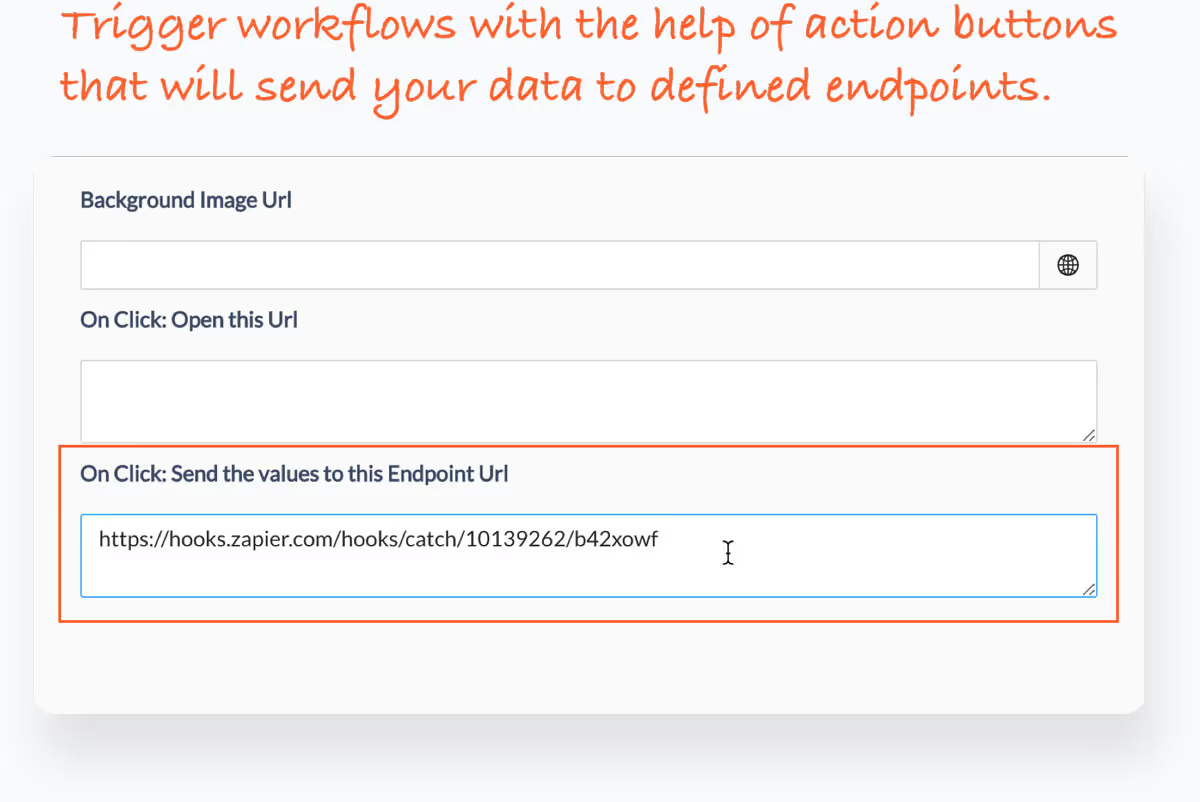
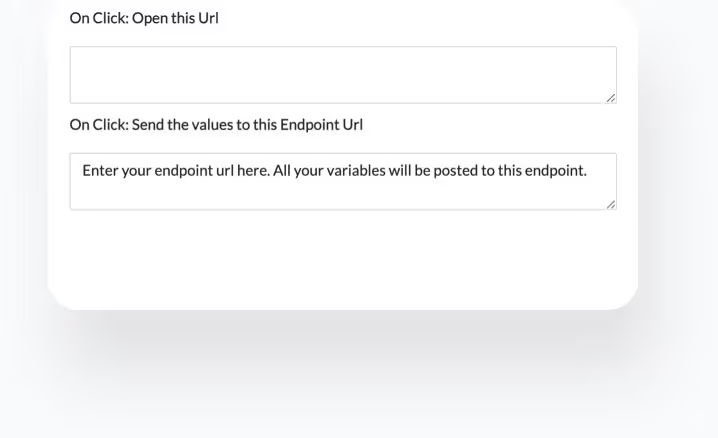
Lead data is forwarded automatically — to CRM systems like HubSpot and Salesforce, or to automation endpoints like Zapier and n8n. Your team follows up with full context: every input the prospect entered is part of the lead record.
What will you build?
Any spreadsheet model can become a lead magnet. These formats work particularly well:

ROI Calculator
Prospects calculate their return on investment — and the inputs tell you how big the opportunity is.

Pricing Estimate
Visitors configure options and see an instant price range — the detailed quote arrives by email.

Savings Calculator
Show how much a prospect saves by switching to you. The bigger the number, the warmer the lead.

Configurator
Visitors find the right product, plan, or dimension — the requirements become lead data.

Assessment & Scoring
Benchmark quizzes and maturity checks. Visitors get a score, you get a profile of their situation.

Comparison Calculator
Compare scenarios, tariffs, or providers side by side — a classic for insurance, finance, and energy.
Coming from Calculator Studio?
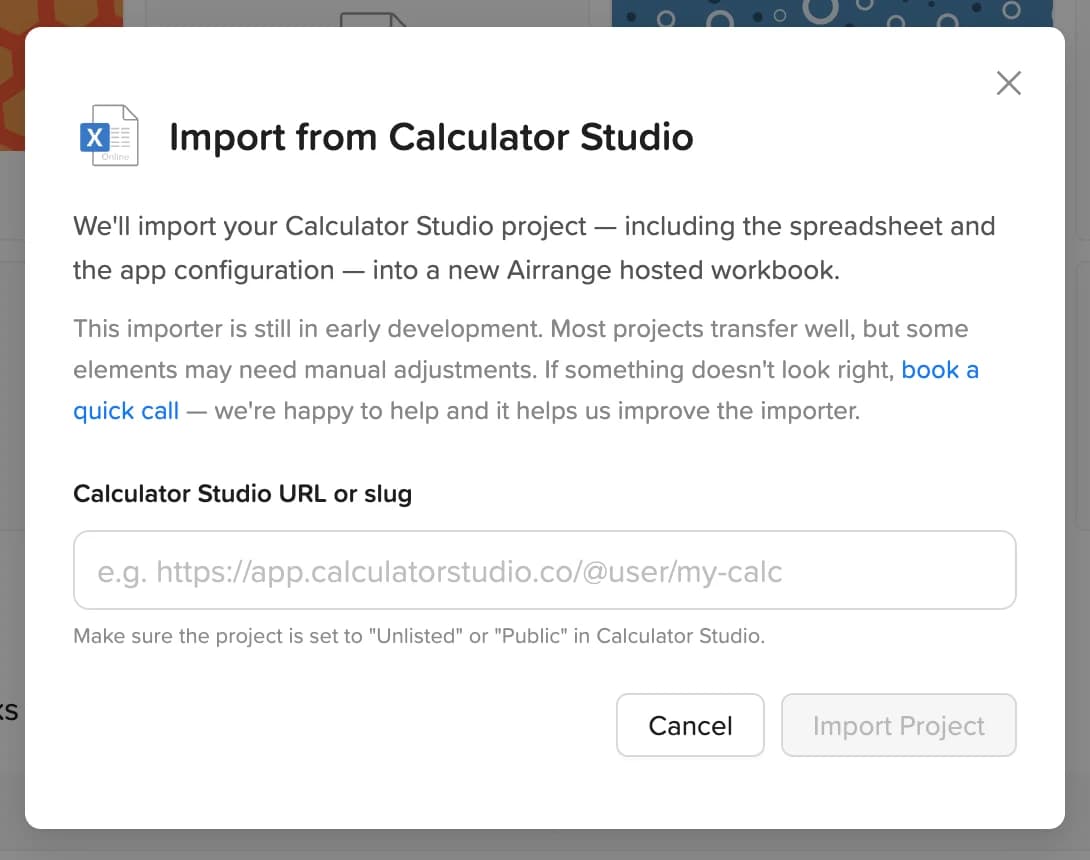
Calculator Studio has shut down — and Airrange is the recommended home for your lead-generation calculators. Your spreadsheet logic transfers as-is, and most apps are rebuilt in under an hour.
Learn more
How does Airrange verify a lead email address?
Instead of a plain form, the calculator offers an action button that emails the results to the visitor. The email is only useful if the address is real — so every captured lead has a working, verified address.
Which CRM and automation tools can I connect?
Lead data can be forwarded to CRM systems like HubSpot and Salesforce, or to automation endpoints such as Zapier and n8n — from there, any tool in your stack is reachable.
Can visitors see my calculation logic?
No. Your formulas, margins, and assumptions stay concealed. Visitors interact with inputs and see results — the model behind them is never exposed.
Do I need a developer to embed the calculator?
No. Publishing in Airrange gives you an iframe embed code. Paste it into any CMS — WordPress, Webflow, HubSpot pages — and the calculator adapts to any screen size.
Quoting is the next step? Explore price quote apps